Plan the semester
Add students, availability, lesson rhythms, preferred times, working hours and break rules in Planner.
beimir Products
Planner builds a strong timetable. Calendar keeps the teaching year clear. Use either tool on its own — or connect them in one workflow designed around real music lessons.
Designed for music education
General calendars are built around meetings. Music teaching has different logic: recurring lessons, weekly and biweekly rhythms, groups, changing lesson lengths, student availability, breaks and semester transitions.
beimir Products brings that work into two focused web applications — one for creating the timetable and one for managing it throughout the academic year.
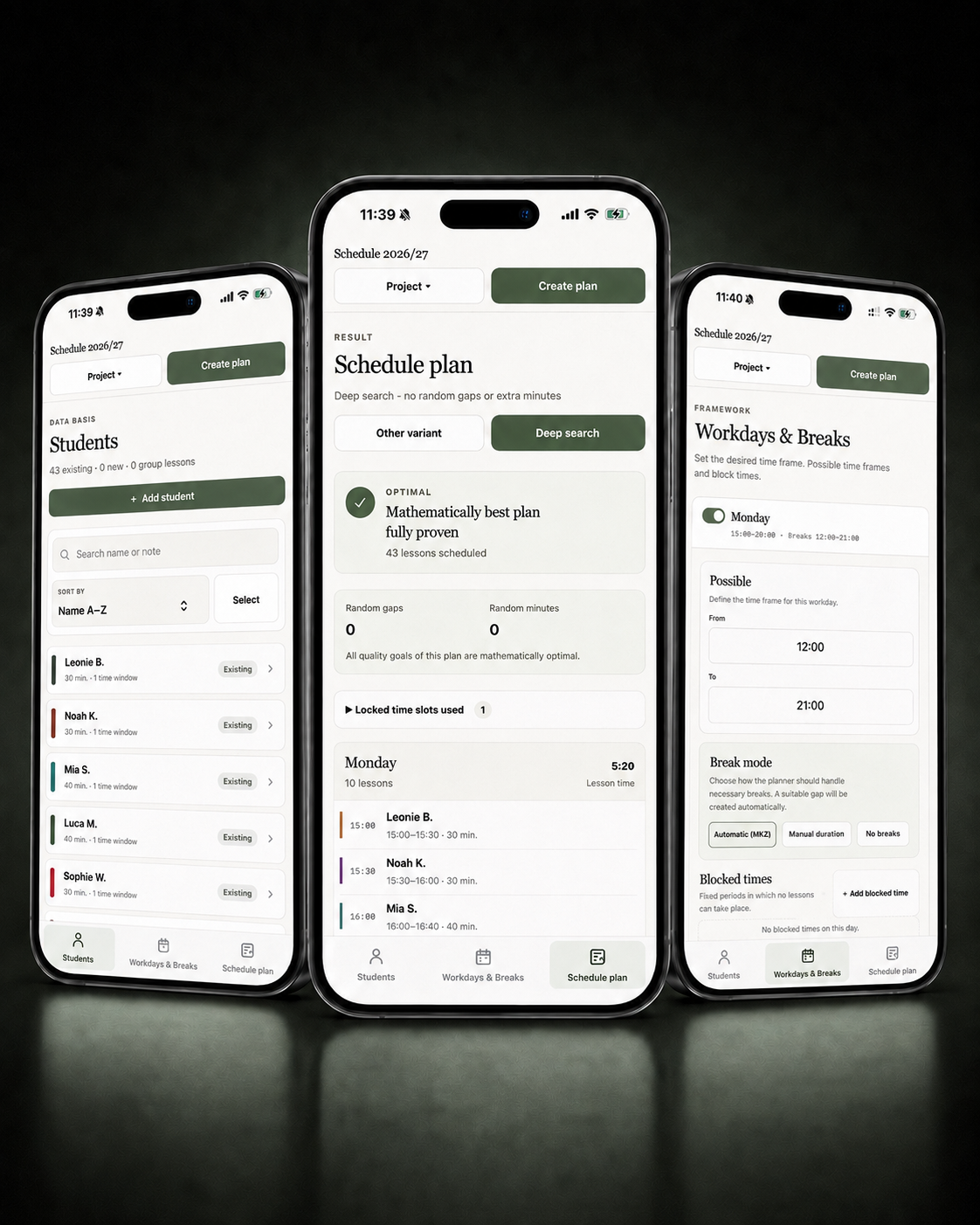
Timetable planning
Turn student availability, lesson lengths, preferred times, working hours and break rules into a clear, compact teaching timetable — automatically.
Best for building a new semester, comparing alternatives and solving schedules with many constraints.
Explore Planner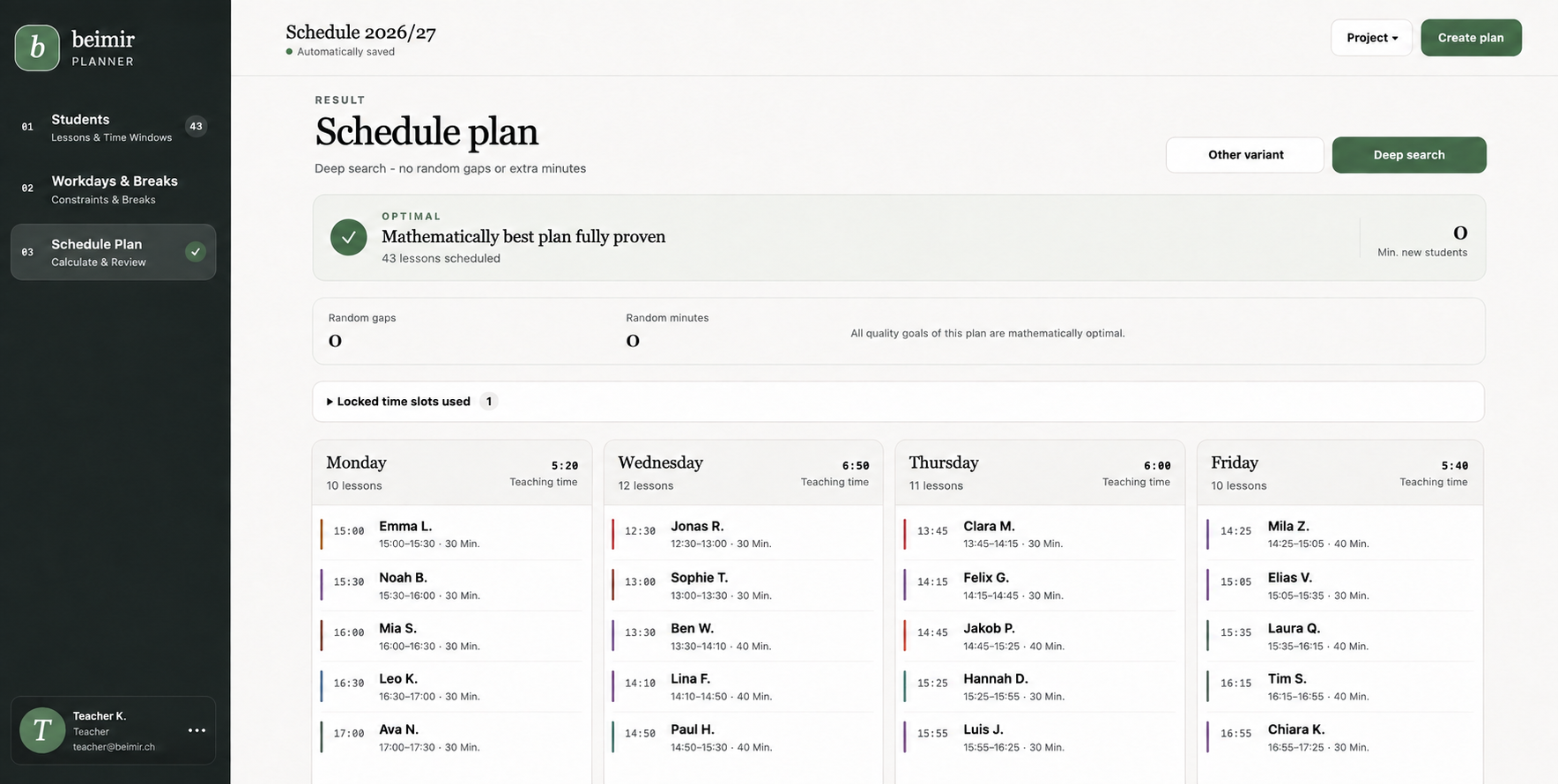
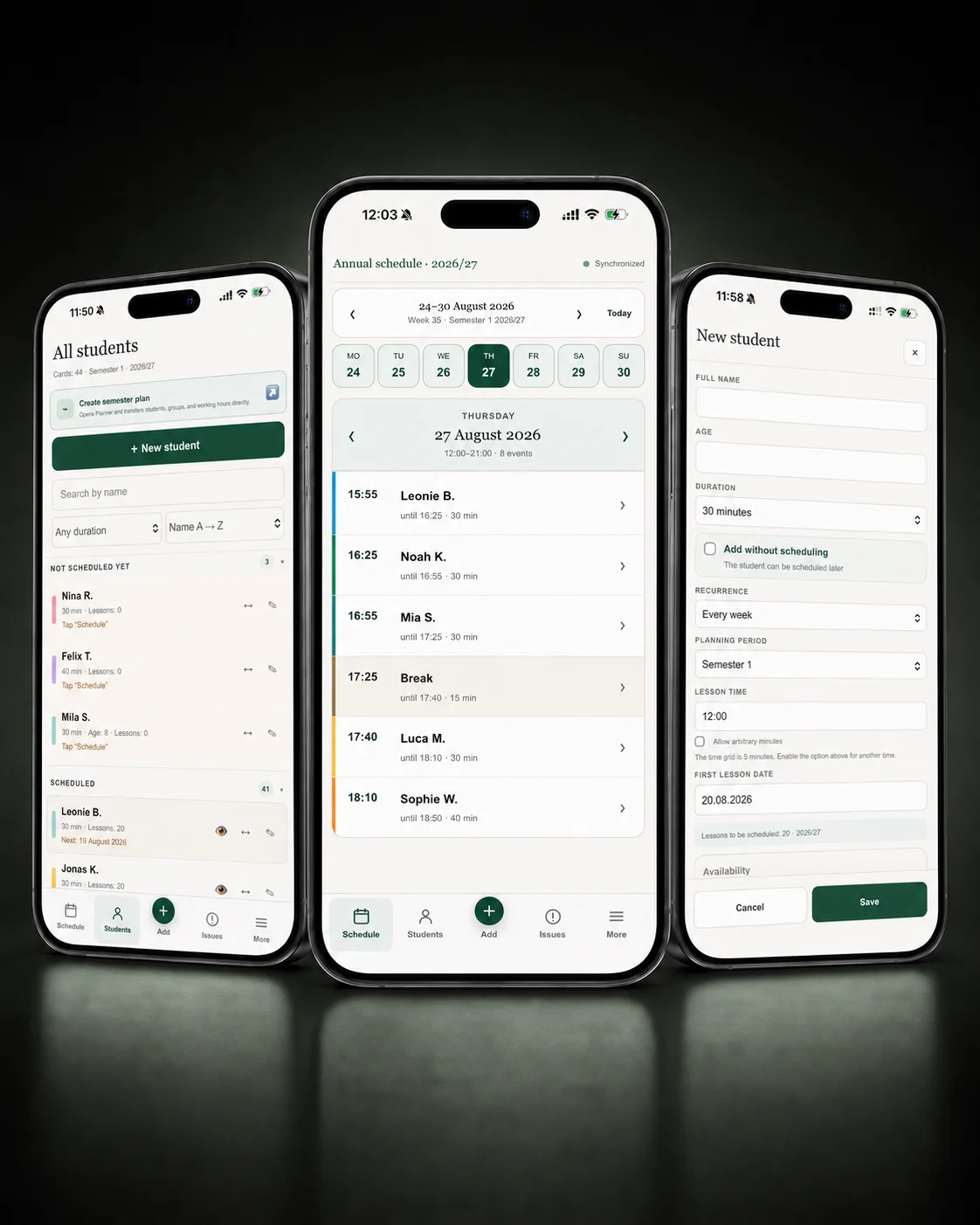
Teaching calendar
Manage students, recurring lessons, groups, breaks and schedule changes across the entire academic year in one clear teaching calendar.
Best for running the timetable once teaching begins and keeping everyday changes under control.
Explore Calendar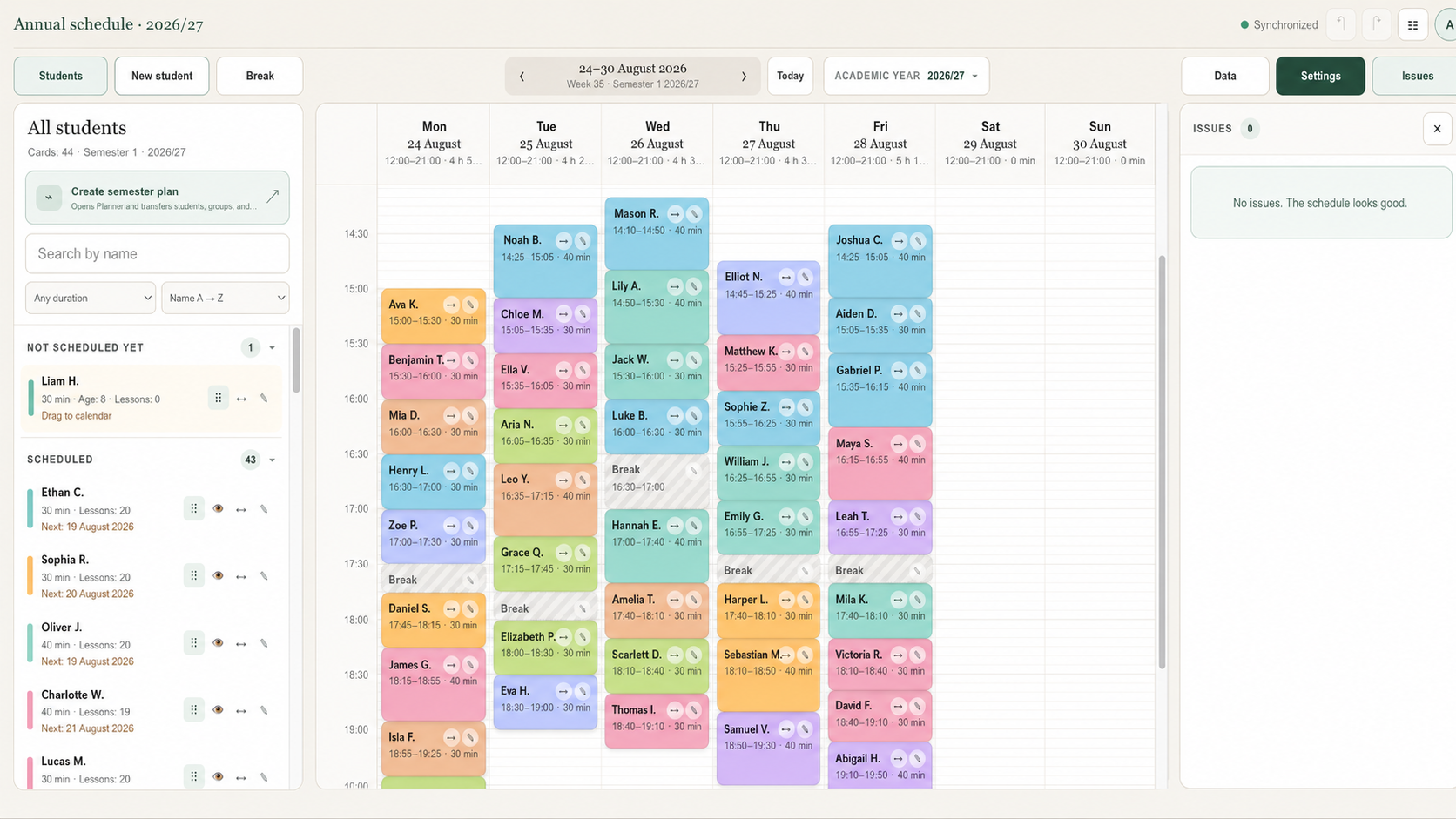
One connected workflow
Planner and Calendar solve different parts of the same teaching job. Together, they remove the need to rebuild the same schedule in several places.
Add students, availability, lesson rhythms, preferred times, working hours and break rules in Planner.
Move the finished schedule, students and recurring lesson structure into Calendar without entering everything again.
Keep the academic year current in Calendar as lessons move, breaks change and real teaching life happens.
It compares possible arrangements and helps turn many individual constraints into a workable teaching week.
It keeps recurring lessons, students, groups, breaks and changes visible throughout the teaching year.
Built from real teaching
beimir Products was created by Raman Kamisarau, a pianist and music teacher in Switzerland. The tools grew from the scheduling problems that appear in real teaching weeks — not from a generic office-calendar template.
Every part of the system is shaped around the details music teachers actually handle: different lesson lengths, alternating weeks, groups, family connections, preferred times, protected breaks and the transition from one semester to the next.
Questions
Planner creates and optimises a timetable from student availability, lesson requirements and teaching constraints. Calendar manages the finished timetable, recurring lessons and everyday changes across the academic year.
Yes. Each product works on its own. Use Planner when you need automatic timetable planning, Calendar when you need ongoing lesson management, or connect both for the complete workflow.
Yes. The same beimir account and password work in both Planner and Calendar, so you do not need separate credentials for each product.
They are designed for independent music teachers, private teaching studios and music schools that work with recurring individual or group lessons.
No. Planner and Calendar are web applications and run directly in a modern browser on desktop, tablet and mobile devices.